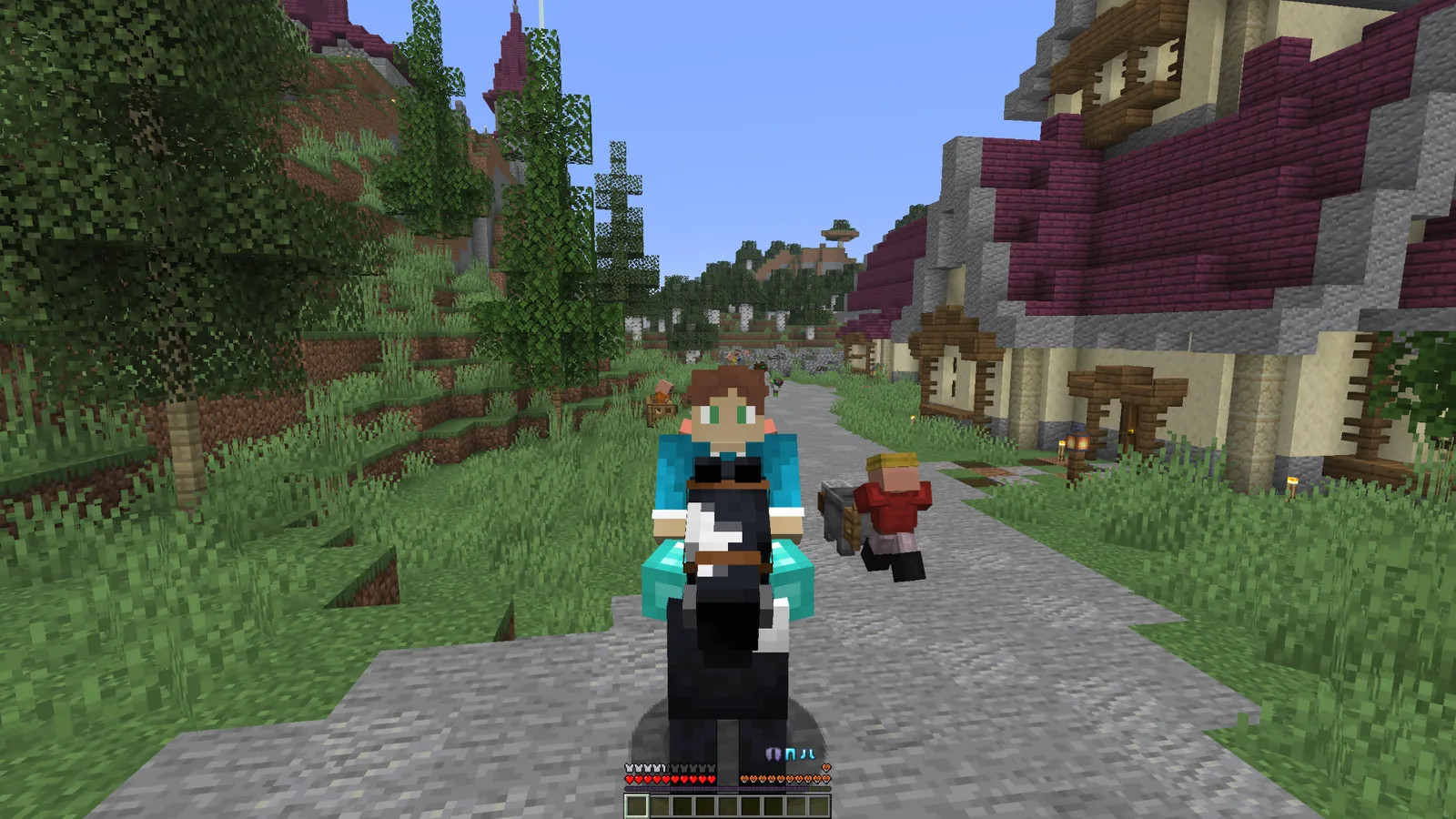
Armor durability HUD
The core purpose of an armor HUD is visibility: keeping armor condition easier to notice while you play. That can help you decide when to repair, replace or inspect equipment.
What to check first
- Watch armor condition during long sessions.
- Check gear before high-risk combat.
- Use the HUD as a reminder, not a replacement for backups or normal game knowledge.
- If values look wrong, verify mod compatibility first.
Installation workflow
Start by identifying your exact Minecraft version and active mod loader. Then select a file whose source listing matches both. Add the file using the loader’s normal mod installation process and launch the game once before making additional changes.
If something goes wrong
Undo the latest change, verify the filename and loader, and read the game log for a specific compatibility or dependency message. Avoid guessing at versions or mixing files from different loaders.
Download source
The homepage’s main download uses the exact CurseForge endpoint supplied for this website. That direct file is Fabric-specific, so use the project’s file list when you need a different loader or Minecraft version.
A durability HUD is most useful when it reduces the need to interrupt gameplay for repeated inventory checks. Treat the display as an at-a-glance aid, while still using normal in-game repair and equipment management when an item is getting low.